
Moving from "Data" to "Action"
We know that running a prediction is only half the battle. The real work begins when you look at the heatmaps and metrics and ask, "Okay, but why is this happening? And what should I change?"
Previously, finding those answers often meant digging deep into the metrics yourself or reaching out to our team. We wanted to close that gap—giving you immediate, actionable advice based on neuroscientific principles, right inside the platform.
On top of that, we know your time is valuable. Uploading assets one by one? That had to go.
Sendō & Batch Processing
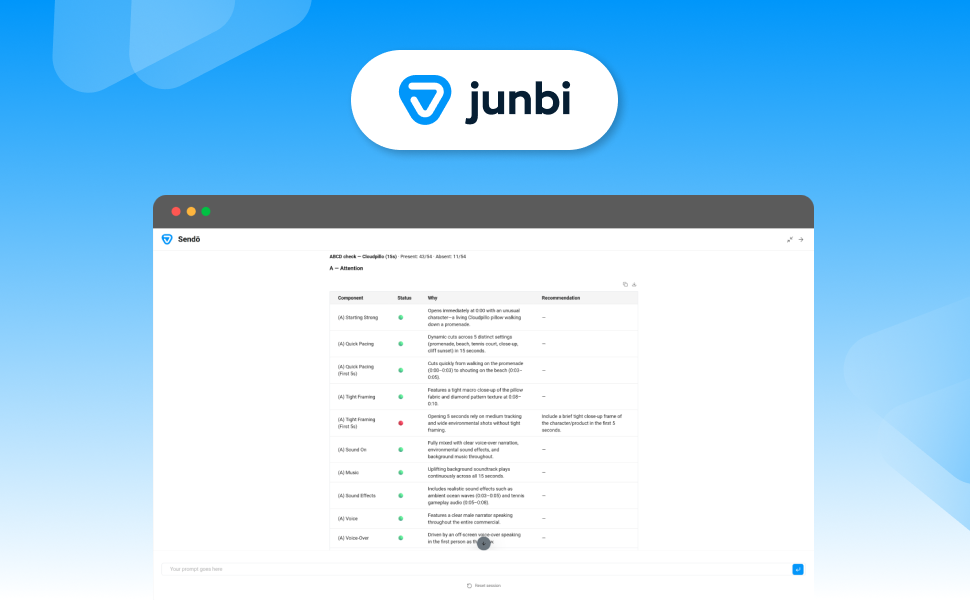
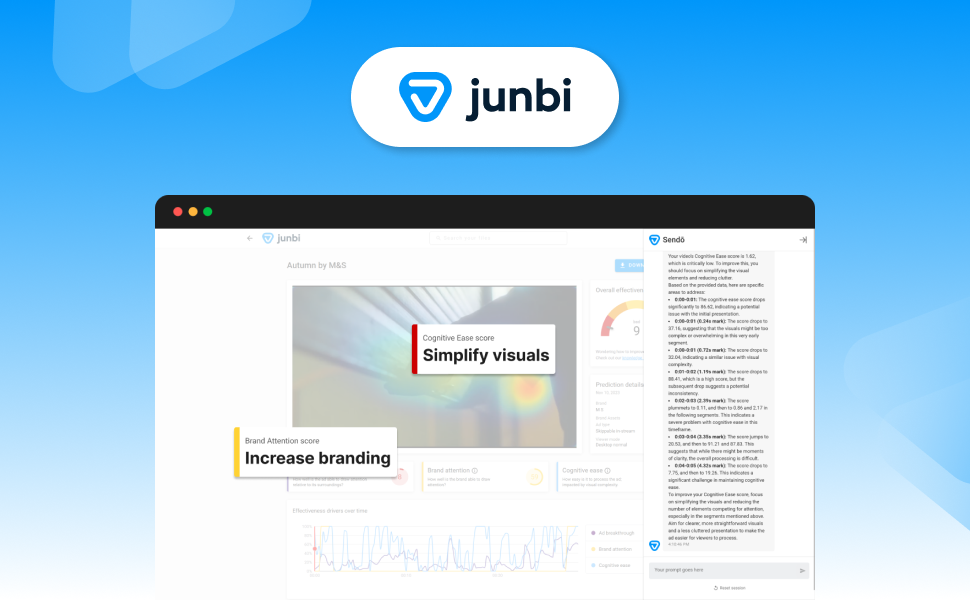
First, meet Sendō. This isn’t just a chat tool; it’s an agentic guide that helps you optimize your assets. By combining your specific video data with core junbi metrics (Ad Breakthrough, Brand Attention, and Cognitive Ease), Sendō offers clear recommendations on how to improve your creative.
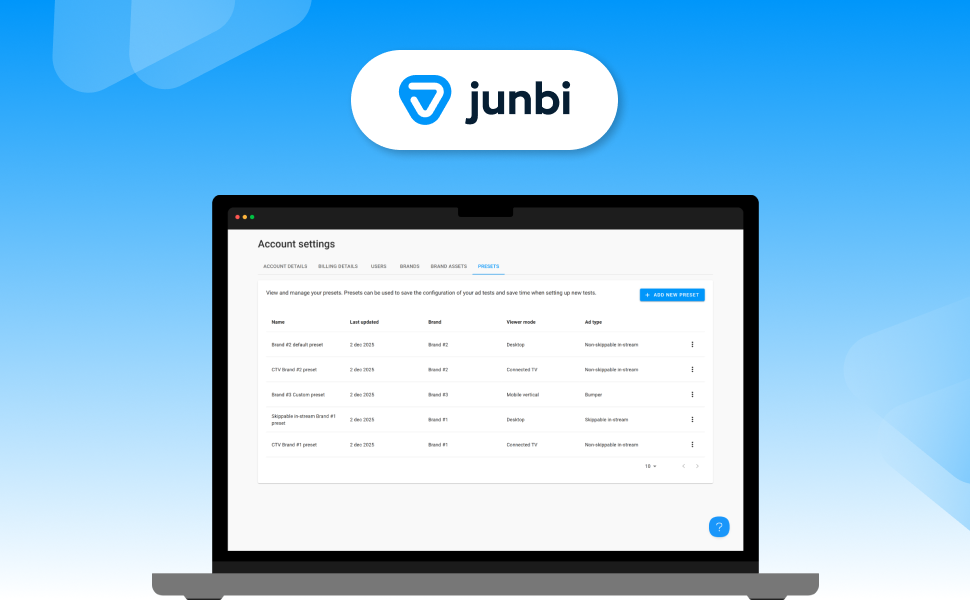
Second, Batch Processing is finally here. You can now upload unlimited video files simultaneously. This pairs perfectly with our Pre-sets feature, allowing you to apply the same settings (like Brand or Viewer Mode) to an entire campaign of assets in seconds.
Getting started
1. Using Sendō
- Run your prediction as usual.
- On the Prediction Result page, click the Sendō button in the bottom right corner.
- Ask questions like, "Which score should I focus on first?" or "How can I improve brand breakthrough?" Sendō will analyze the specific video and give you actionable steps.

More information on Sendō can be found on our knowledge base.
2. Running a Batch Upload
- Navigate to the upload screen and toggle "Test new batch".
- Name your batch (this will be your folder name).
- Select a Pre-set (or manually configure your Brand, Viewer Mode, and Ad Type) to apply these settings to every video in the queue.
- Upload your files and hit Run Batch.

A full step by step can be found on our knowledge base.
Housekeeping & Improvements
- YouTube Import Removed: Recent changes to YouTube's content delivery protocols (specifically regarding third-party cookie handling) have made direct URL imports unreliable. To ensure you never face failed uploads, we are removing the YouTube importer in favor of direct file uploads, which remain 100% stable and secure.
- Fixes: We resolved an issue that occasionally blocked Preset creation, improved error messaging clarity, and fixed styling glitches on our pop-up modals.
Sendō and Batch Processing are available in the junbi platform as of today.