
Today, expoze takes a major step forward. We redesigned the platform from the ground up to make testing your static creatives faster, clearer, and more collaborative. We also removed feature paywalls, introduced side-by-side comparisons, and aligned our workspace with junbi.
Here is a detailed breakdown of what is live in expoze per today.
A Familiar Workspace: Aligned with junbi at app.expoze.io
Switching between static testing and video testing previously meant learning two different interfaces. We brought expoze and junbi closer together so you can move across both platforms effortlessly.
- Unified Interface: Navigate a fresh, intuitive layout that mirrors the junbi user experience.
- New Web Address: Access your workspace at app.expoze.io. If you click an old bookmark, expoze.app redirects you automatically.
- Automatic Plugin Updates: If you already use our plugins, they update automatically in the background without any manual installation.
Smarter Asset Management: Revamped Folders and Tagging
Managing growing libraries of campaign variations across multiple teams gets messy fast. We rebuilt our organizational tools to help you structure projects and find specific creatives in seconds.
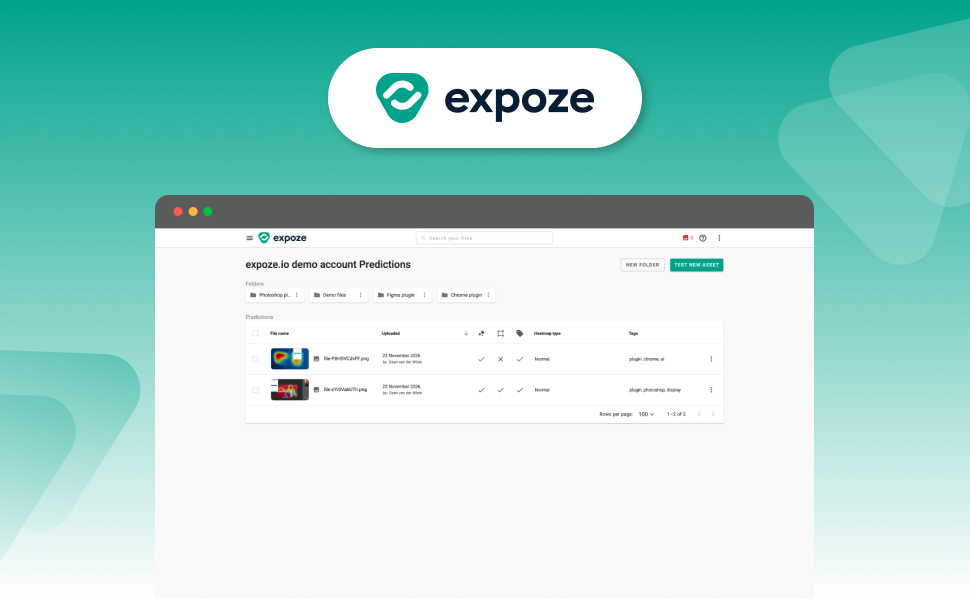
- Improved Folder Structure: Organize campaigns cleanly with upgraded file and folder management.
- Custom Tagging System: Apply custom tags to your assets so you can filter and group creatives across different folders.
- Deeper Team Management: Control user permissions and organizational settings with greater precision.
Faster Insights: Side-by-Side Creative Comparisons
Evaluating which design variation captures more attention previously required clicking back and forth between separate tabs. You can now analyze multiple variations on a single screen.
- Direct Visual Comparison: Place static creatives next to each other to spot performance differences immediately.
- Heatmap and AOI Alignment: Compare attention heatmaps and areas of interest side-by-side to validate design choices with confidence.
- Quicker Iteration: Share clear visual comparisons with stakeholders to speed up creative approvals.
No More Paywalls: Unrestricted Feature Access
Essential analysis tools should never slow down your daily workflow. We removed tier restrictions so every user gets full access to our complete static testing toolkit.
- Custom Heatmaps: Adjust heatmap visualizations to match your exact reporting needs.
- Raw Data Exports: Download underlying attention data for deeper custom analysis.
- Multi-User Workspaces: Invite your team members to collaborate inside the same environment on any plan.
Simplified Pricing: Unlimited and Pay-As-You-Go
Choosing the right testing volume should be simple. We replaced our old subscription tiers with two clear options while positioning expoze as your dedicated home for static assets and junbi for video.
- Two Clear Options: Pick our Unlimited plan for continuous enterprise testing, or choose Pay-As-You-Go credit packs for ad hoc projects.
- Automatic Account Migration: We migrated your existing account, files, and folders automatically. Read our expoze 2.0 FAQ to see the exact details for your current plan.
How to get started
Because we packed so many new capabilities into this release, we published dedicated step-by-step guides in our Knowledge Base at support.expoze.io. Follow these quick steps to jump in:
- Go to app.expoze.io and log in with your existing credentials.
- Organize your projects with custom tags and open the side-by-side view to compare your latest creatives.[Insert GIF of side-by-side comparison and tagging here]
- Check out our expoze 2.0 FAQ and browse the new Knowledge Base articles to master every feature.
These features are available in the expoze platform as of today. Log in at app.expoze.io today to test your next creative!