When we first introduced Sendō, the goal was to give you an agentic guide to help navigate your data. But we know that your job doesn't end with understanding the data, it ends with a recommendation. Today, Sendō leveled up from a helpful guide to your personal agentic creative strategist.
More Context, More Power
This isn't just a minor tweak. We have integrated a new multi-agent system that deeply understands the marketing, media, and advertising domains.
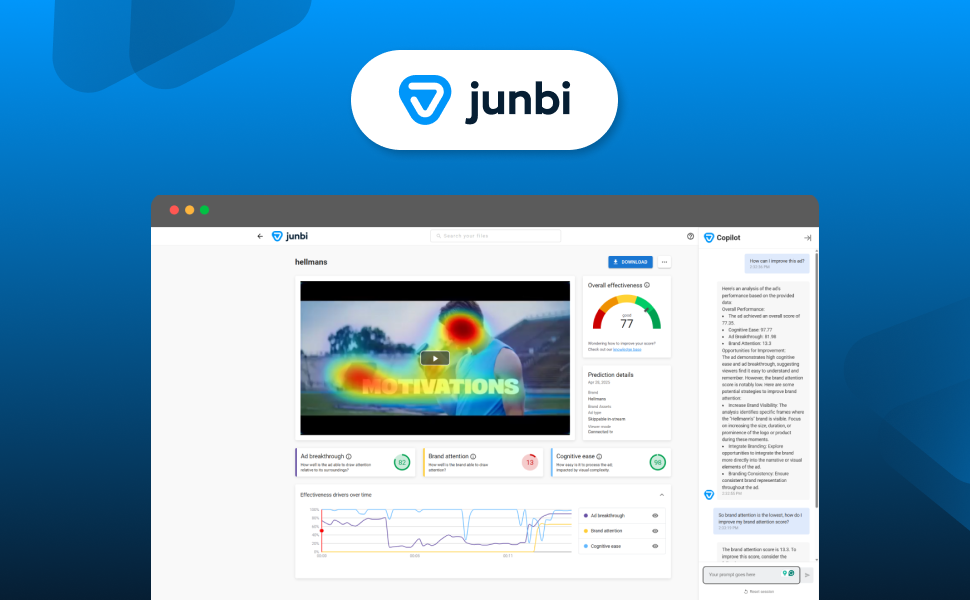
In the past, Sendō looked at your metrics. Now, it looks at your entire campaign context. By feeding it more data, Sendō now automatically factors in your brand name, your ad type, and the contextual settings of your test. This allows it to provide tailored recommendations that actually fit your specific business goals, rather than general creative advice.
Total Transparency
We want you to feel as confident in Sendō's logic as we do. That is why we are introducing a new transparency layer. You can now see Sendō’s "way of thinking" in real-time. It will show you exactly which steps it is taking and which tools it is using to analyze your creative.
Done-For-You Strategy
The biggest shift in this update is the output. Sendō can now act as a bridge between your data and your creative team. You can ask it to generate:
- Professional Recommendation Reports: Ready-to-send summaries of your findings.
- Scene-by-Scene Analysis: An in-depth breakdown of your video’s performance, second by second.
- Personal guiderails and custom checks: Share guiderails with Sendō to ensure the recommendations fit your brand, your guidelines and even your personal framework (ABCD anyone?)
Getting started
Using Sendō's new capabilities
- Run your prediction as usual.
- Start a conversation with Sendō by clicking the Analyse with Sendō button in the bottom right corner.
- Ask Sendō to draft a scene by scene analysis and/or custom report; "Draft a scene by scene analysis, with recommendations per scene, that I can share with my creative agency". Sendō will analyze the specific video and output a ready to share report with its recommendations.
- As a follow-up, share your guiderails and/or requirements; "My brand guidelines enforce me to place the logo in the top left corner" or "Ensure your recommendations don't require a scene reshoot"

More information on Sendō can be found on our knowledge base.
Housekeeping & Improvements
- Fixes:
- We resolved an issue that caused image previews to not show correctly after clicking the back button on the results page.
- We resolved an issue that caused active brand names to not show up in the brand name overview.
- We resolved an issue with certain characters in file uploads causing junbi to throw an error.
- We resolved an issue with ads that were queued becoming stuck on processing.