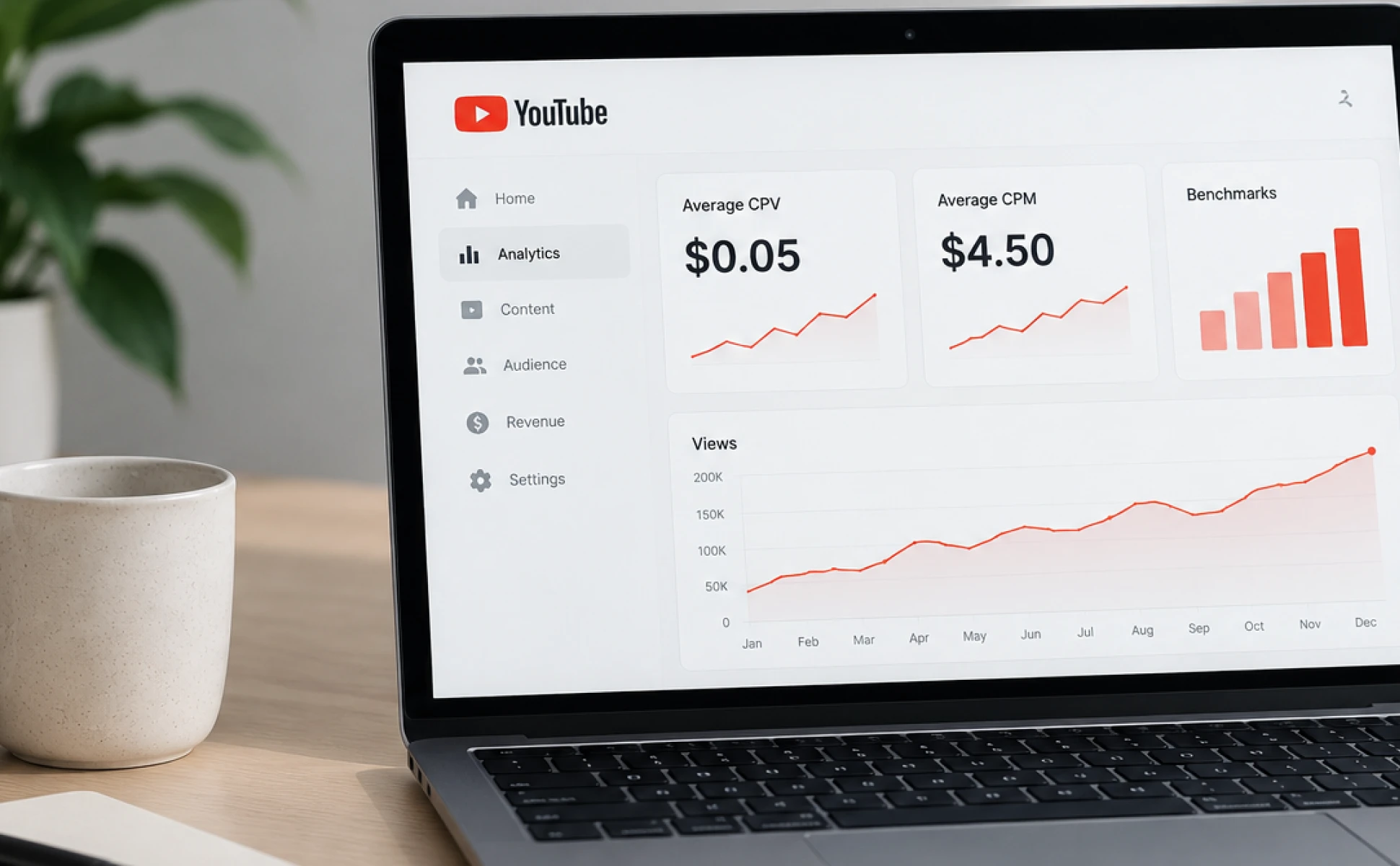

In today’s competitive video landscape, staying ahead means constantly monitoring the creative strategies of your peers, as YouTube continues to drive massive global engagement, generating billions in advertising revenue, with over 2.5 billion monthly active users consuming video content across desktop, mobile, and Connected TV (CTV). By understanding what your industry rivals are running, emerging messaging trends can be spotted, visual hooks can be evaluated, and strategic gaps in their creative can be identified.
While marketers previously relied on third-party scrapers or expensive surveillance software, Google’s official transparency tools make auditing competitor video creative fast, legal, and completely free. Below are the steps to locate your competitors' YouTube ads and turn those insights into a performance advantage.
Key Takeaways:
- Free & Official Intelligence: The Google Ads Transparency Center provides complete and public access to active and past video ads run by verified Google advertisers.
- Filter by Format and Region: Narrow your competitor research by target country, date range, and video ad format to uncover localized messaging strategies.
- Direct Access via YouTube: You can jump directly to an advertiser’s full ad library by clicking the "About this ad" info icon directly on any live YouTube ad.
- Go Beyond Viewing: Watching competitor ads reveals creative concepts, but testing them with AI platforms like junbi uncovers why those ads capture attention or get skipped.
Key Steps to Audit & Benchmark Competitor YouTube Ads
- Locate the advertiser profile: At the Google Ads Transparency Center, search for your competitor’s legal entity or brand name.
- Apply video filters: Set the format parameter to "Video" and select your target geographical region and desired date range.
- Analyze creative hooks: Review their opening 5-second hooks, visual style, calls to action (CTAs), and messaging.
- Benchmark visual attention: Run competitor video URLs through junbi to compare their ad breakthrough and cognitive ease scores against your own campaign assets.
What is the Google Ads Transparency Center?
The Google Ads Transparency Center is a searchable database maintained by Google that displays verified advertising assets across Google Search, Display, and YouTube. According to Google, as of 2023, the platform had 30 million people interact with ad transparency menus daily to evaluate brand authenticity and campaign details.
As a centralized hub, the platform allows you to see:
- Advertiser details: Verified legal company names and registered locations.
- Ad placements: Specific regions where the ad campaign is actively running.
- Creative assets: The exact video, display, and text creative deployed in the field.
- Format variations: Different ad lengths and aspect ratios tailored for mobile feed or desktop viewing.
Step-By-Step: How to Find Competitor YouTube Ads
Option 1: Direct Search with the Transparency Portal
- Open the Google Ads Transparency Center.
- Set the region filter under "Shown in" to your target market (e.g., United States, France, Netherlands).
- Change the format dropdown to video to isolate YouTube and video partner placements.
- Enter your competitor's brand or parent company name (e.g., "Uber B.V." or "Nike") in the search bar.
Option 2: Shortcut via Live YouTube Video Ads
When you encounter a competitor’s ad while browsing YouTube:
- Click the small "i" (About this ad) icon in the bottom-left corner of the video player.
- Click "See more ads from this advertiser" in the pop-up panel.
- You will be automatically redirected to that brand’s complete ad library on the Transparency Center.
Analyzing Competitor Creative Data
1. Opening Visual Hooks (Seconds 1–5)
This focuses on observing how quickly they introduce their value proposition or brand elements, and whether they are opening with human faces, high-contrast text, or product close-ups. This remains essential as research shows that viewer drop-off spikes right after the first 5 seconds on skippable formats.
2. Cognitive Ease & Visual Complexity
Look for visual clutter, as ads packed with dense text overlay, rapid scene cuts, and competing graphic elements create a high cognitive load, negatively affecting the ease of processing the ad and causing viewers to use the skip button.
3. Distinctive Brand Assets
Determine where and how often their logo, brand colors, or packaging appear. If branding only appears on the end card, the ad is more likely to suffer from the vampire effect, where viewers remember the story or joke, but completely forget the brand behind it. Therefore, evaluating competitor visual clutter and branding placement helps you design ads that capture attention more effectively.
Turn Competitor Ads into Actionable Creative Intelligence
While the Ads Transparency Center allows you to watch competitor creative, it does not show how viewers respond to it visually. Therefore, this is where predictive AI bridging tools come in:
- Predictive Benchmarking: By running competitor ad URLs through junbi, you can measure their ad breakthrough percentile and cognitive ease scores.
- Heatmap Analysis: Use expoze to analyze competitor video thumbnails and static end-cards, identifying exactly where visual focus lands during critical frames.
Conclusion & Next Steps
Gaining visibility into your competitors' YouTube ads is no longer complex, as by utilizing the free Google Ads Transparency Center, marketers can instantly analyze rival creative, campaign parameters, and messaging strategies across global markets.
However, simply watching competitor ads only reveals what they are doing, not how effectively those ads perform. By taking competitor videos and running them through predictive AI tools like junbi and expoze, you can convert raw creative files into actionable attention benchmarks. This data-driven approach ensures your YouTube ads make a lasting impact and achieve superior return on ad spend.
References
Batista, R. (2026, April 30). Google Ads Transparency vs SERP ads: Which to use when. Cloro. https://cloro.dev/blog/google-ads-transparency-vs-serp-ads/
Google. (n.d.). Google Ads Transparency Center. Retrieved August 19, 2026, from https://adstransparency.google.com/
YouTube. (n.d.). YouTube’s impact. How YouTube Works. Retrieved August 19, 2026, from https://www.youtube.com/howyoutubeworks/youtubes-impact/

.webp)